
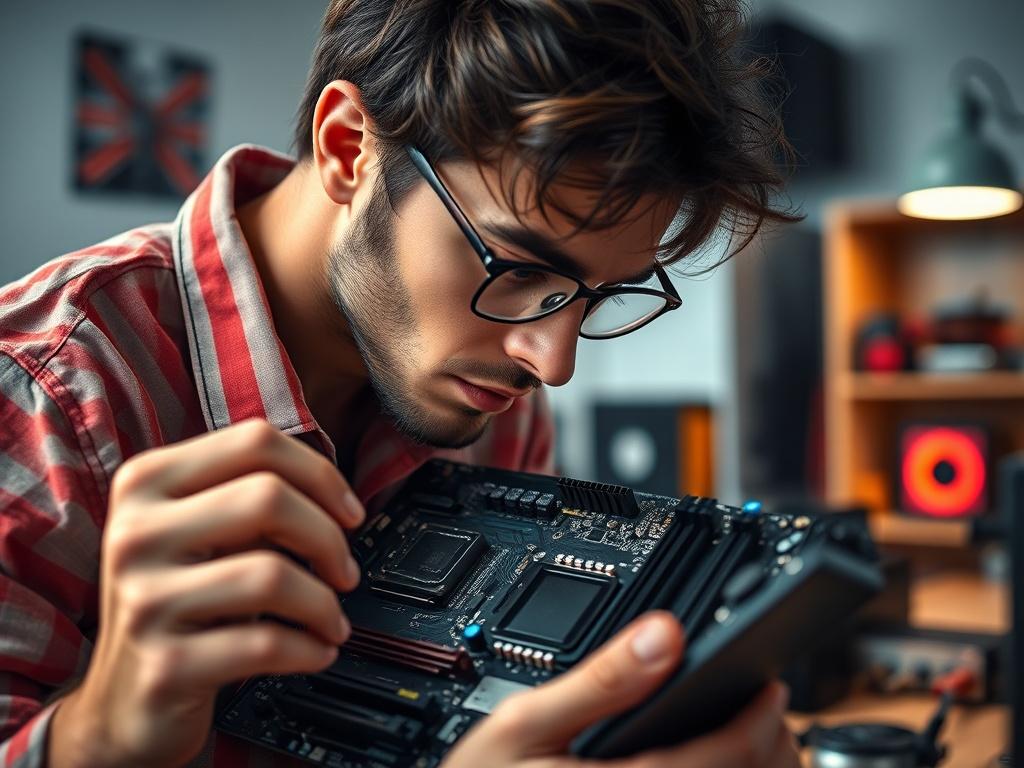
Building a custom PC can be an exciting and rewarding experience, especially when you tailor each component to fit your unique needs. However, navigating the vast array of options available can be overwhelming. In this guide, we will help you discover essential tips for selecting the best parts for your custom PC build, ensuring that you make informed choices that lead to optimal performance and longevity.
From the right processor to the perfect graphics card, understanding the key factors that influence compatibility and performance is crucial. We’ll explore essential tips to help you achieve the best possible setup while balancing quality and budget. Whether you’re a seasoned enthusiast or a newcomer to PC building, this post will equip you with the knowledge to create a powerful and efficient machine tailored to your requirements.
Discover the key factors to consider when selecting components
When embarking on your custom PC build, understanding the key factors that influence component selection is crucial. Start by evaluating your intended use for the PC. Are you a hardcore gamer, a content creator, or someone who needs a system for everyday tasks? Each of these use cases requires different specifications, helping you narrow down components like the CPU, GPU, and RAM. Furthermore, consider compatibility between components to ensure they work seamlessly together. A motherboard that supports your chosen CPU and enough space for your GPU will lay a solid foundation for your build.
Another essential factor to ponder is future-proofing. Technology evolves rapidly, and investing in slightly more advanced components today can save you from costly upgrades down the line. Look for parts that offer expandability and consider current trends in the industry, such as DDR5 RAM and PCIe 4.0 support. Additionally, cooling solutions are vital; efficient cooling can enhance performance and extend the lifespan of your components. By prioritizing these key factors—usage, compatibility, future-proofing, and cooling—you lay the groundwork for a successful custom PC that meets your needs now and in the future.
Explore essential tips for achieving optimal performance in your custom PC
To achieve optimal performance in your custom PC, start by selecting components that complement each other seamlessly. For instance, pair a powerful CPU with a high-quality motherboard designed to support its capabilities. Opting for a graphics card that aligns with your CPU will ensure that you maximize frame rates in gaming or rendering tasks. Additionally, consider incorporating ample RAM; 16GB is usually a good starting point for most users, while 32GB or more caters to heavy multitasking and demanding applications. Don't overlook the importance of cooling solutions either. Efficient cooling systems help maintain performance by preventing thermal throttling during intense tasks.
Another crucial aspect of achieving peak performance involves ensuring that your power supply unit (PSU) delivers enough wattage to support all components. It's wise to choose a PSU with a certificate rating, such as 80 Plus Bronze or higher, as these indicate better efficiency and reliability. Furthermore, think about storage options; integrating a solid-state drive (SSD) as your primary drive can significantly enhance your system’s speed for booting up and loading applications. Combining SSDs for your operating system and frequently used programs with larger traditional hard drives for storing files creates a balanced setup that maximizes both performance and storage capacity. Always remember to check for compatibility between your components to avoid any bottlenecks and ensure you get the most out of your custom build.
Learn how to balance budget and quality for your perfect build
When it comes to building a custom PC, striking the right balance between budget and quality is crucial. Start by setting a realistic budget that reflects your needs and goals. Determine how you plan to use the PC—whether for gaming, video editing, or general use—and allocate funds accordingly. Research components that provide the best performance for your specified budget. Websites and forums dedicated to PC building often feature user reviews and benchmark tests to help you make informed choices. Focus on essential components, such as the CPU and GPU, which greatly influence your system's capabilities.
Once you identify the key components, look for deals and discounts to maximize your spending power. Consider purchasing previous-generation hardware that still offers impressive performance at a reduced price. Additionally, don't shy away from refurbished or open-box items that come with warranties, as they can provide excellent value. Ultimately, prioritize quality over quantity—invest in components that enhance your build's overall performance and longevity. By balancing budget considerations with quality components, you can achieve a powerful custom PC that meets your needs without breaking the bank.